


Scene Building
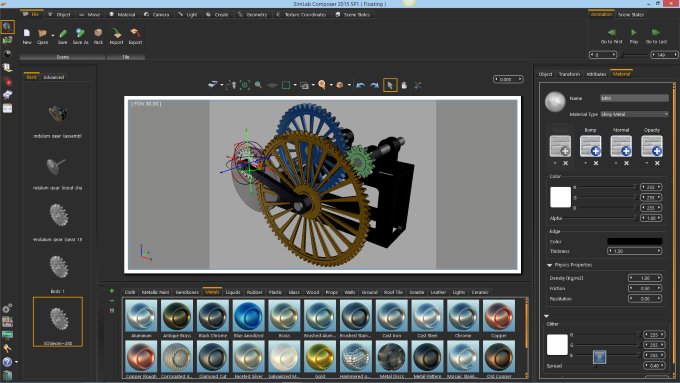
Import models from mechanical design systems (supported formats include
SolidWorks, Inventor, SolidEdge, Step, IGES, Parasolid, and ACIS)
Create assemblies
Use precise movement advanced edge, and center picking
SimLab Composer maintains the assembly structure of imported 3D models.
This enables users to select the level to work on (face, body, part, subassembly
or assembly).
3D Sharing
Scenes created inside SimLab Composer can be shared in different ways;
3D PDF: 3D PDF is a quick and safe way to share 3D models. A 3D
PDF file is a PDF file that can be opened using a free version of Acrobat
reader, which includes 3D Data. The recipient of the file will be able
to view, rotate, and interact with the 3D scene. 3D PDF was designed to
be very easy to use for none technical users.
3D HTML (WebGL):SimLab Composer supports sharing 3D scenes as HTML files that can be opened using any of the leading web browsers including Google Chrome, Fire Fox, Internet explorer and Safari by utilizing the web browser's native WebGL capabilties
Exporting to Android/iPad:3D scenes created in SimLab Composer, can be exported to Android/iPad as SimLab archive files (*.zim). SimLab Archive files can be opened using SimLab CAD Viewer on iPad, and Android.
Rendering
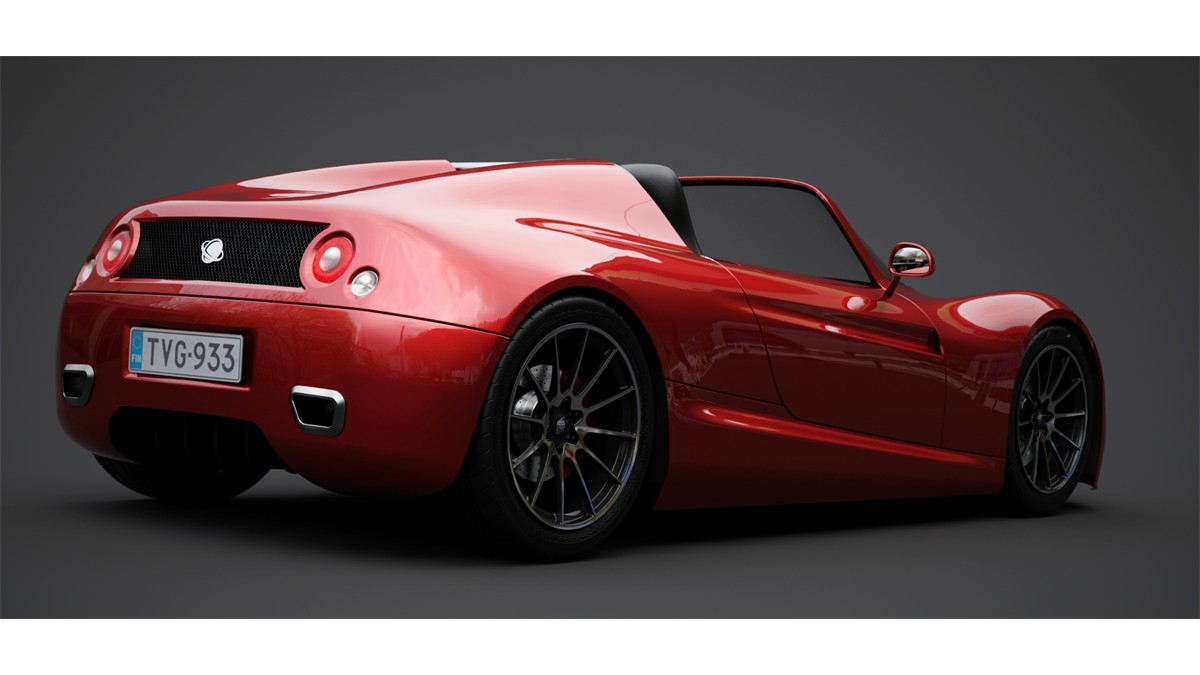
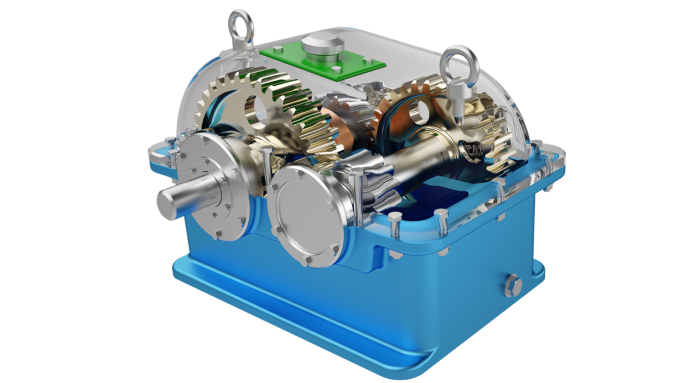
Enjoy real time, top quality rendering with SimLab Composer
Create incredible images with no time .
Assigning materials can be done by dragging materials from the material library in SimLab Composer and dropping them on the 3D objects.
Animation
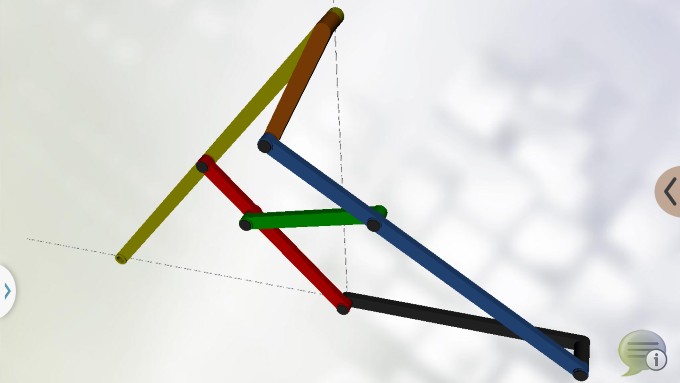
SimLab Composer animation edition allows users to easily create animations showing the motion of a designed machine.
Animations created in SimLab Composer Animation Edition can be rendered and used to create movies that can be posted on the web and shared with others. They can also be used to create animated 3D PDF, and HTML / Web GL files which include the motion of objects and cameras.
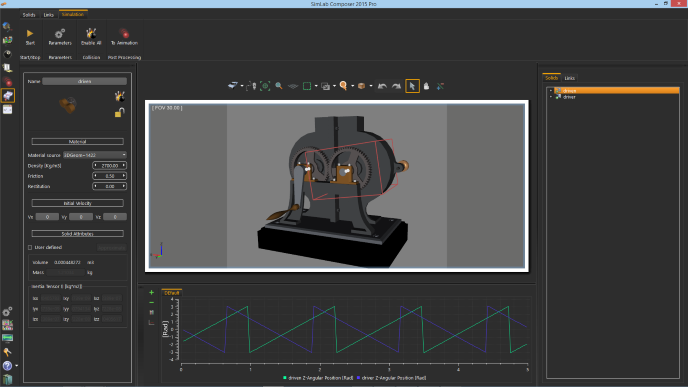
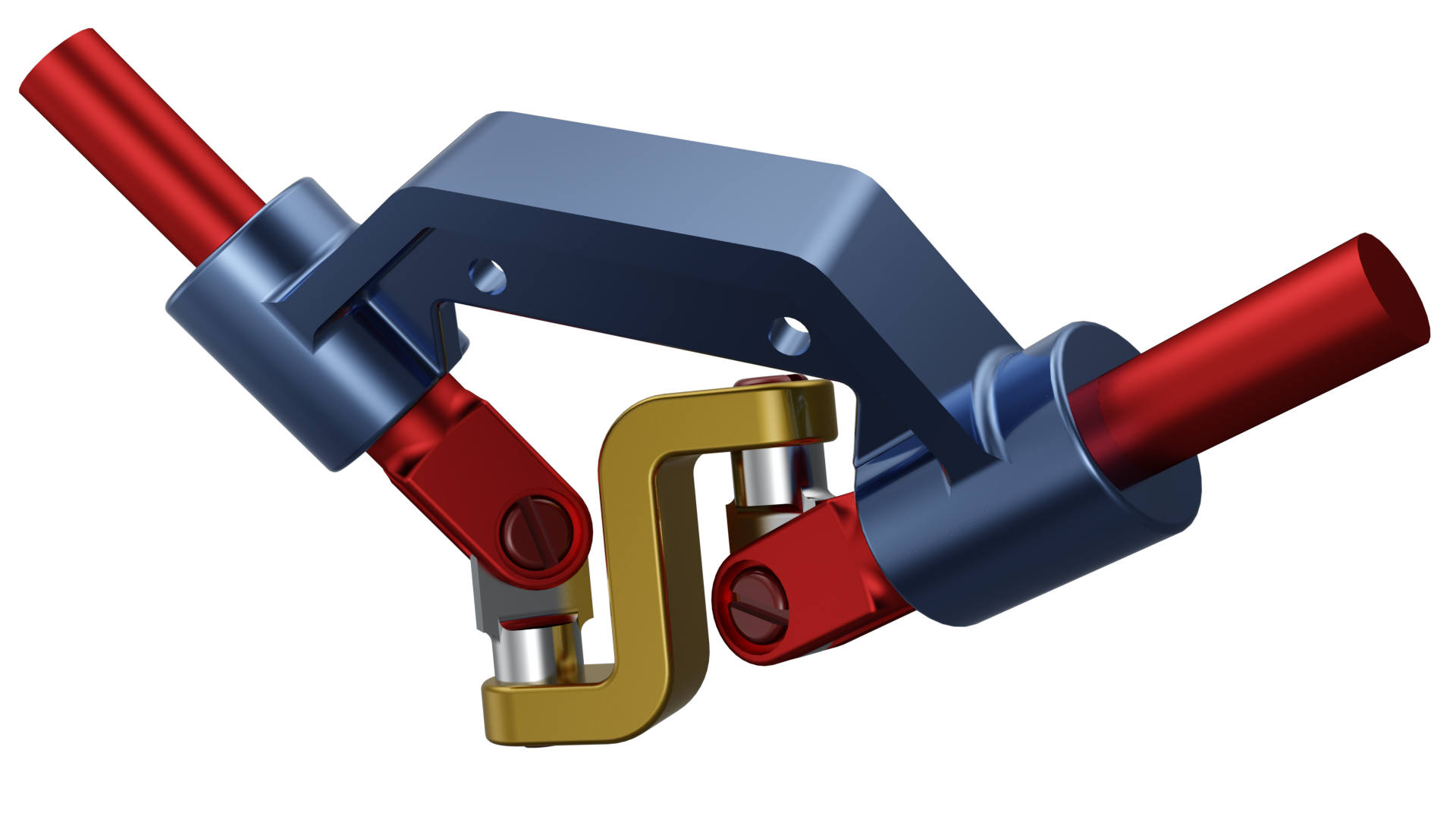
Simulation
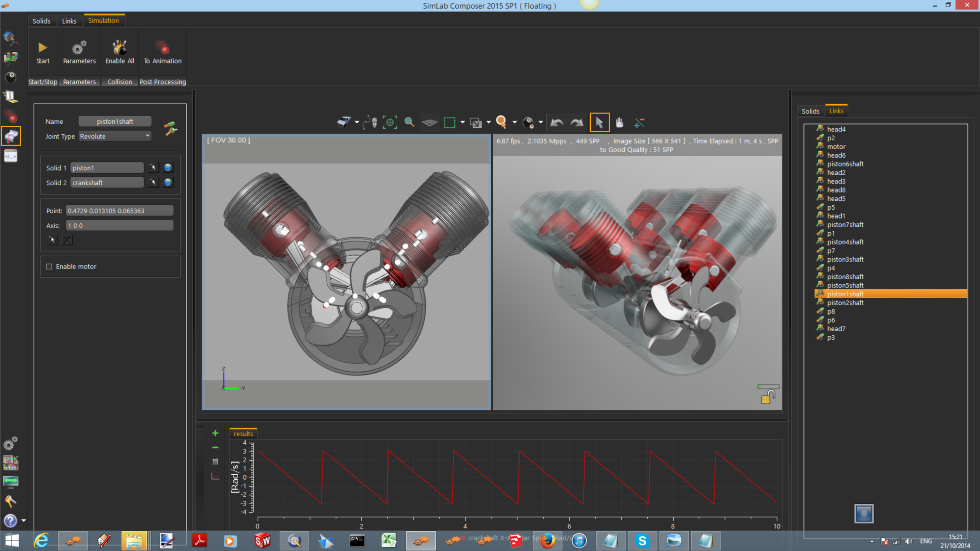
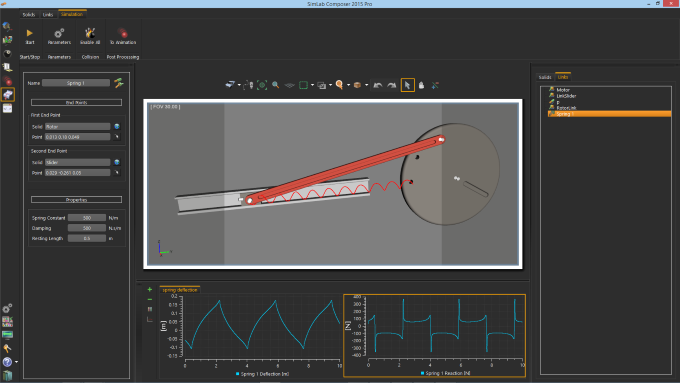
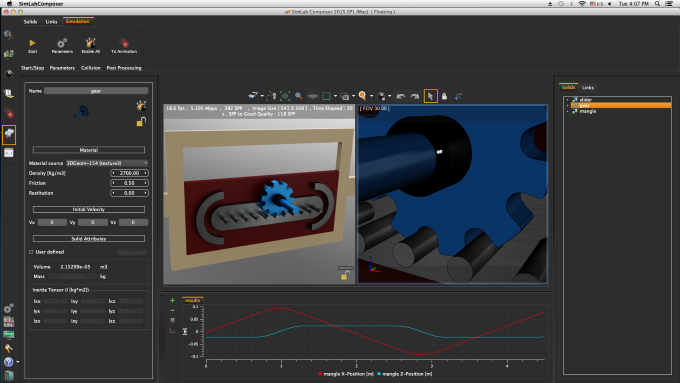
Engineering quality physics simulation for mechanical systems.
Enables the user to define systems from polygonal and analytical models,
add constraints, actuators and springs, run simulations, and create plots
to view the results of the simulation.
Results can be transformed into animations, to be rendered as movies or exported.